How to Convert JPG on JPG.now
By Victor
Published July 21, 2025
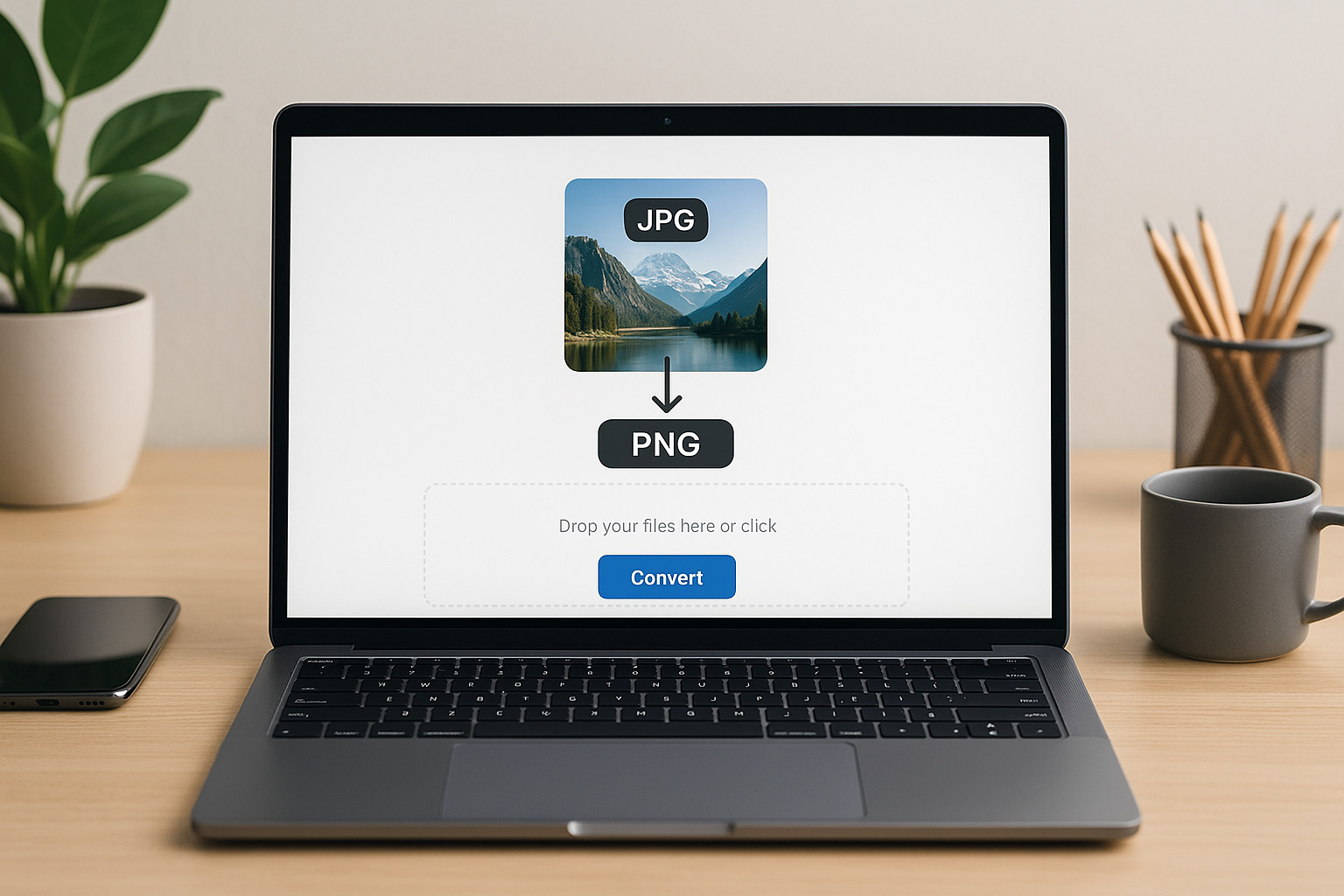 How to Convert JPG on JPG.now
Every day, designers, bloggers, photographers, and marketing professionals face the same challenge: converting JPG files into formats that suit their specific needs or learning how to edit JPG files for different uses. JPG.now emerges as a streamlined answer to that persistent task. Right away, readers see its appeal. A platform stripped of unnecessary fluff. Each feature delivers practical value. Here’s a guided breakdown of how it works, its standout features, real-world use cases, best practices, and comparisons.
How JPG.now Works: Step-by-Step
- Upload one or more JPG files
Users can click or drag files with no limit on sessions. Each image can be up to 50 MB and support batch uploads—up to 20 files at a time. - Select your desired output format
A dropdown menu offers options like PNG, WebP, PDF, BMP, TIFF, ICO, GIF, EPS, SVG, HEIC, and HDR. - Start conversion
A single click begins the process. Core conversion occurs server-side using robust algorithms that preserve clarity. - Download results
Outputs come as individual downloads or bundled into a ZIP file. No watermarks. No expiration tags. Just clean results.
Supported Formats and When to Use Them
PNG
Ideal for visuals needing transparency or crisp detail for web layouts or design work.
WebP
Delivers smaller file sizes with solid quality, perfect for responsive websites and faster load speeds.
PDF
Transforms images into shareable documents—useful for portfolios, reports, or print-ready files.
BMP and TIFF
Targeted at print workflows where lossless formats matter most; TIFF for professional-grade images, BMP for legacy system use.
ICO
Useful for favicons, app icons or any place a small icon is needed.
GIF
Great for simple animations or low-color assets that loop, like flows, charts or quick highlights.
EPS and SVG
Scalable code-based formats. Useful when JPGs need to be converted into vector or near-vector assets for design tools.
HEIC and HDR
Modern formats aimed at high-fidelity imagery. HEIC for Apple devices, HDR for dynamic media.
Value Beyond Vonversion
- Speed
Each conversion takes seconds. No waiting, no installation. - Simplicity
No teaching curve. Upload, choose format, download. - Privacy
JPG.now states no watermarks and does not store files beyond the session. - Batch support
Processing 20 images at once saves hours compared to manual conversion workflows. - No ads or sign-ups required
This boosts user focus and eliminates friction.
When JPG.now Shines Brightest
- Web publishing: Swap JPGs for WebP to trim page weight. Or use PNG for transparent logos and UI assets.
- Print and publishing: Convert to PDF or TIFF to ensure image quality and document readiness.
- Software development: Developers needing ICO files for application icons can convert JPGs quickly.
- Content creation: GIF conversion with multiple frames enables micro-animations or memes with just images.
- Cross-platform compatibility: Change JPG to HEIC or back to JPG to meet device-specific upload requirements.
Comparison with other JPG tools
| Feature | JPG.now | Generic Online Converters | Local Tools |
|---|
| Batch upload | Yes, up to 20 images | Yes, but size limits may apply | Yes, but needs setup |
| Format range | 12+ specific formats | ~50+ depending on tool | Vast, but configuration filtered |
| Speed | Instant | Browser/server dependent | Dependent on local install |
| Ease of use | One-click simplicity | Varies by site UI | Steep learning curve |
| Privacy | Deletes session files | Varies; often 1-hour purge | Local, full control |
| Watermarks | None | None in major tools | None |
JPG.now balances power and simplicity. It limits distraction, supports core formats, and speeds through batch tasks.
Tips and Best Practices
- Assess quality: For critical print or broadcast use TIFF or high-quality PNG.
- Choose logo transparency: Use PNG to maintain crisp edges without white backgrounds.
- Web optimization: Use WebP to improve page speed and mobile data savings.
- Bundle large jobs: ZIP download saves time when converting many files.
- Protect privacy: Don’t upload sensitive or copyrighted content—conversion is secure but sessions are cloud-based.
Final Word
JPG.now delivers a focused experience for anyone needing fast, reliable image format conversions. It handles bulk jobs, offers key file types, and bypasses learning curves and installations. It doesn't overwhelm with extra tools or popups. Users open the page, upload their JPGs, pick formats, and go. Quality stays intact, privacy remains intact, and results come instantly.
That combination of convenience, functionality, and scope makes JPG.now a preferred choice. Not for complex image editing, but exactly suited for conversion tasks—especially when time, simplicity, and reliability matter.