















About background images — wallpapers, patterns, and the difference
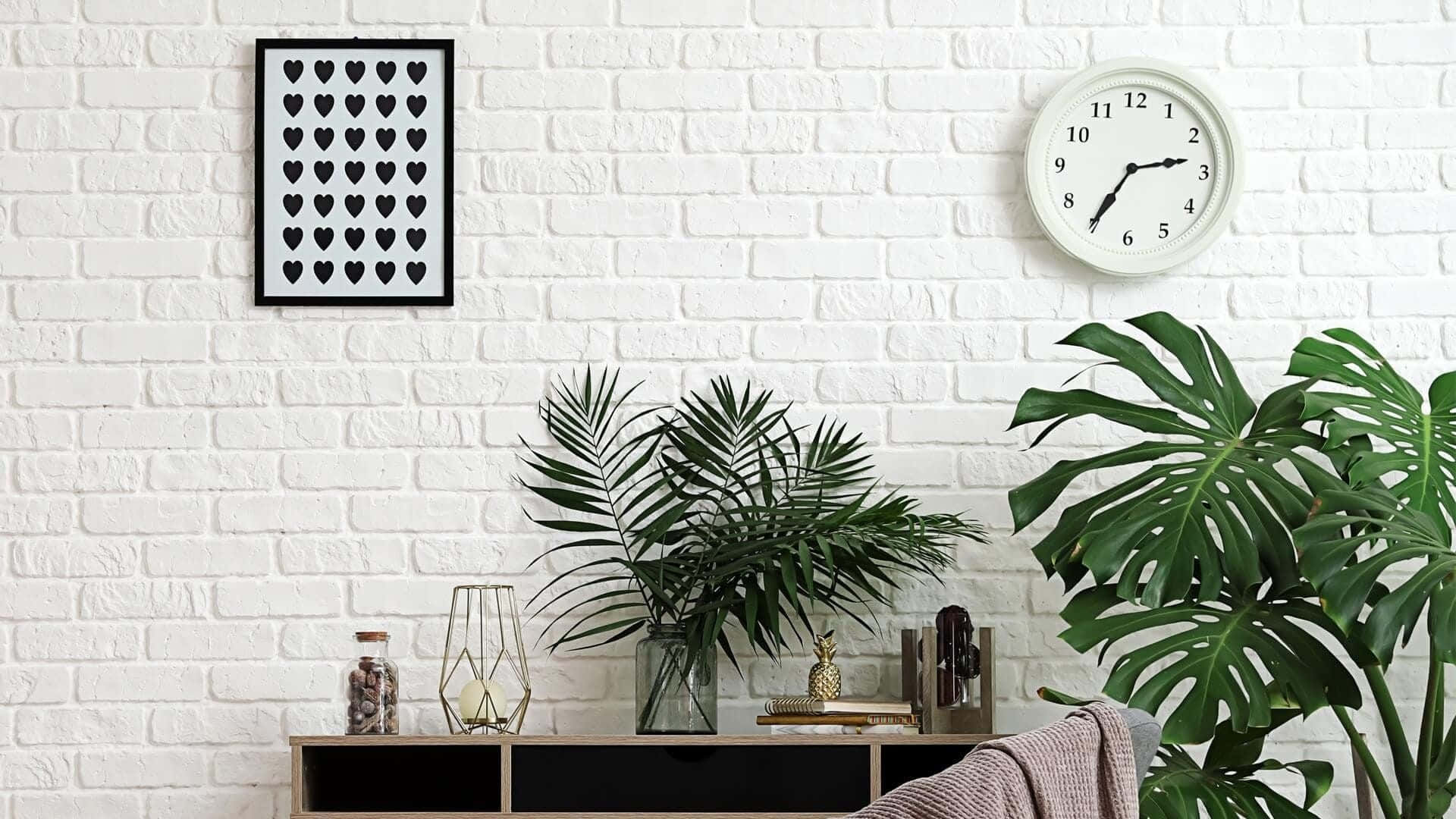
"Background" and "wallpaper" are used interchangeably in casual speech but they mean slightly different things in design. A wallpaper is the full-screen image you see when nothing else is open; a background is the image that sits behind some other content — a presentation slide, a Zoom call, a website hero, a portrait shot with the subject in front. Backgrounds are usually designed to recede rather than draw the eye, often with soft focus, lower contrast, or pattern repeats.
Where background images are used
- Video calls — Zoom, Teams, Google Meet — where the subject is in the foreground and the background fills the rest of the frame.
- Lock screens — usually a portrait crop of a wallpaper, often slightly blurred behind clock/notification UI.
- Web design — header banners, hero sections, behind-the-fold blocks where text overlays the image.
- Print design — invitations, posters, business cards where the design competes with the foreground.
What makes a good background?
A good background has clear focal-points outside the area where the foreground sits — otherwise the subject gets lost. For Zoom backgrounds and lock screens, the rule of thumb is: imagine a 60% portrait-shaped subject in the centre of the frame; if the surrounding 40% is busy or has too much contrast, the image will compete with the speaker.
Free backgrounds — types and tools
Categories worth browsing: solid colours, smooth gradients, geometric patterns, organic textures, soft photographic landscapes. Need to swap or remove a background from one of your own photos? Use Remove Background to cut out the subject, then Replace Background to drop in a new scene, colour, or gradient.





