
Phone Lock Screen vs Home Screen — How to Pair
Designers' rules for picking wallpapers that work on both screens together.
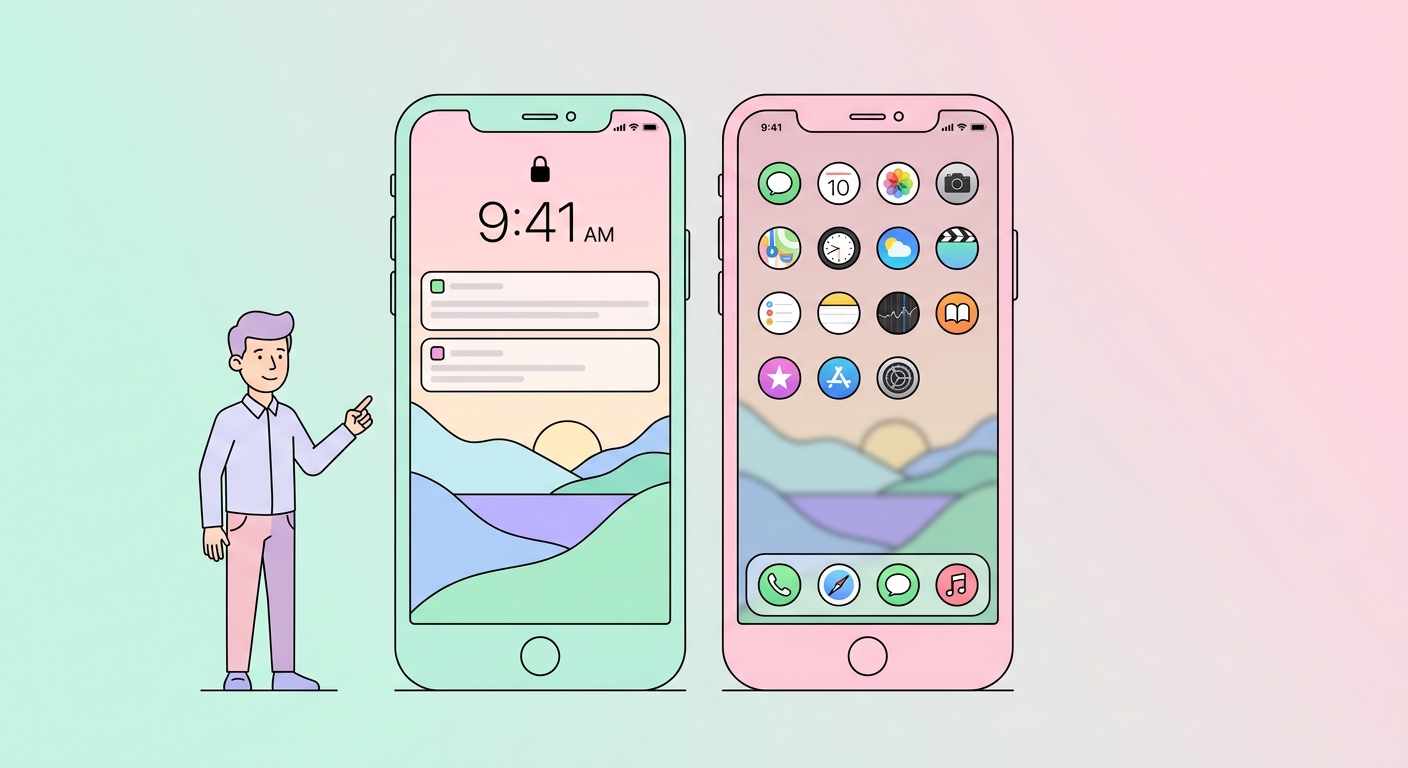
Modern phones have separate lock and home screen wallpapers. Most people set the same image to both — and it usually looks worse than picking two complementary images. Here's how to pair them right.
Why two wallpapers
The lock screen is dominated by the clock and notifications. The home screen is dominated by your apps. Different visual furniture means different optimal backgrounds.
Pairing rules
1. Match the palette, vary the subject
Same color story, different image. A landscape lock screen and an abstract pattern home screen, both in sage green. Browse aesthetic collections for matched pairs.
2. Lock screen = simple. Home screen = busier.
Big readable clock needs space. App grid can handle more visual texture. Reverse this and apps disappear into the background.
3. Or: lock = busy hero, home = solid background
An impactful lock screen people see when they pick up the phone, then a calm minimal background under their apps. Crop using our cropper to extract a section as a calm background.
4. Match the time of day
If you're going to use focus modes that switch wallpapers automatically, sunset/sunrise pairs are stunning.
iOS-specific tips
iOS 16+ supports multiple lock screens (focus modes). Set "Work" / "Sleep" / "Personal" with different paired wallpapers.
Android-specific tips
Material You (Android 12+) extracts colors from your home screen wallpaper for system UI. Pick a wallpaper with a strong dominant color you like reflected in your buttons.
Tool: extract palette from lock to use on home
Drop your lock-screen image into our color tools, get the dominant colors, then find a home-screen wallpaper in those tones — see blue, green, pink collections.
Try our free tools
- Image resizer — pixel-perfect downscale + upscale.
- Convert to WebP — 30-50% smaller files than JPG.
- Background remover — one-click cutout.
- Social-media resizer — every platform's exact dimensions.
- Bulk processing — apply any tool to up to 200 images at once.
Browse the full tool catalog or our other guides.






