
12 Free Image Tools Every Creator Needs in 2026
From background removal to AI generation — the essential toolkit, all free.
Photoshop costs $20/month. The web has caught up — most of what you actually do day-to-day works in a browser, free, with no signup. Here's the toolkit.
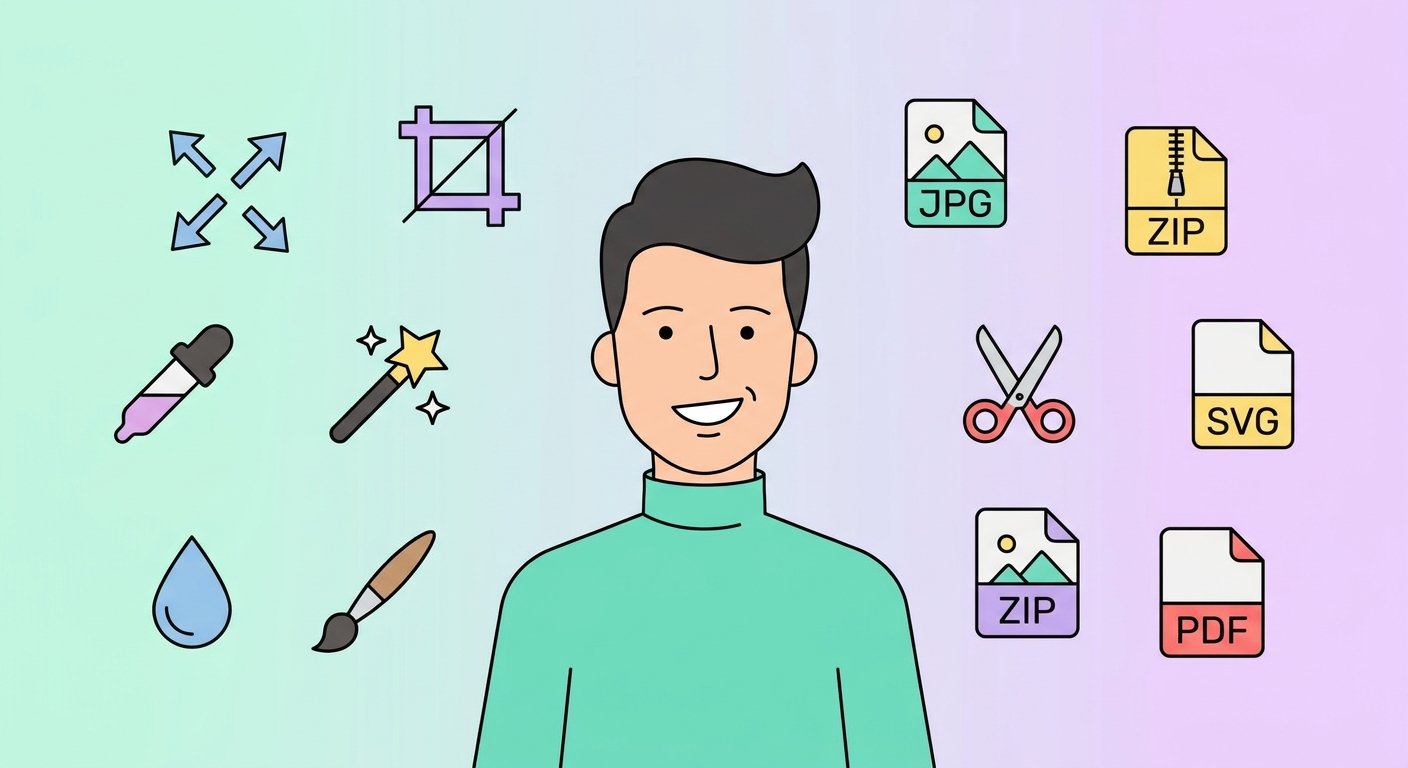
The 12 essentials
- Image resizer — exact pixel resize, with-or-without aspect lock.
- Image cropper — pixel-precise crop, with aspect-ratio presets.
- WebP converter — 30-50% smaller files than JPG, lossless option.
- JPG compressor — slider-based quality control.
- Background remover — AI cutout, transparent PNG output.
- EXIF stripper — remove location and camera metadata before sharing.
- Favicon generator — every browser-required size from one source PNG.
- Social-media resizer — every platform's exact dimensions in one click.
- App icon generator — iOS + Android sizes, ZIP-packaged.
- Gaussian blur — soft-focus backgrounds, sensitive area masking.
- AI wallpaper generator — text-to-image with style controls.
- QR with logo — branded QR codes with centre logo.
What about Photoshop?
Photoshop is still better at three things: detailed retouching, raw photo editing, and complex compositing. For everything else — resize, crop, format convert, basic filters, AI generation — browser tools are equivalent or better.
Bulk workflows
Need to process 200 images? Our bulk processing mode takes a folder and runs any tool across all of them. Free users can stage up to 200 images.
What's free vs paid
Every tool above gives 1-2 free uses. Pay $0 for the first 1-2; pay $49.99/mo on Premium for unlimited use plus 8K downloads of any wallpaper.
Try our free tools
- Image resizer — pixel-perfect downscale + upscale.
- Convert to WebP — 30-50% smaller files than JPG.
- Background remover — one-click cutout.
- Social-media resizer — every platform's exact dimensions.
- Bulk processing — apply any tool to up to 200 images at once.
Browse the full tool catalog or our other guides.






