iPhone Wallpaper Sizing Guide — Every Model
Exact pixel sizes for every iPhone, with lock-screen vs home-screen tips and parallax adjustments.
iPhone wallpapers are picky — Apple shifts the safe-zone for the clock and notifications model-by-model, and parallax can stretch your image in unexpected ways. This guide gives you the exact sizes plus practical tips.
Native resolution by model
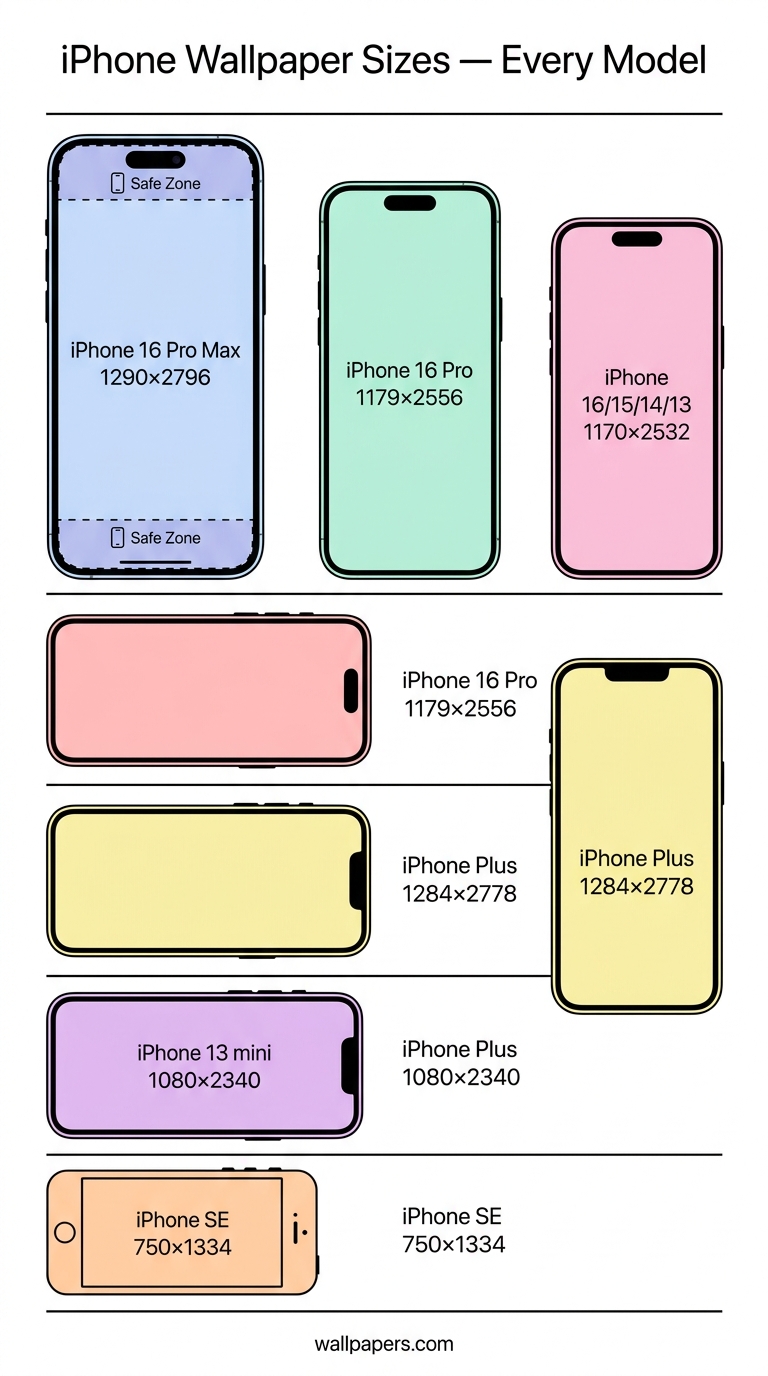
| iPhone | Native pixels | Aspect |
|---|---|---|
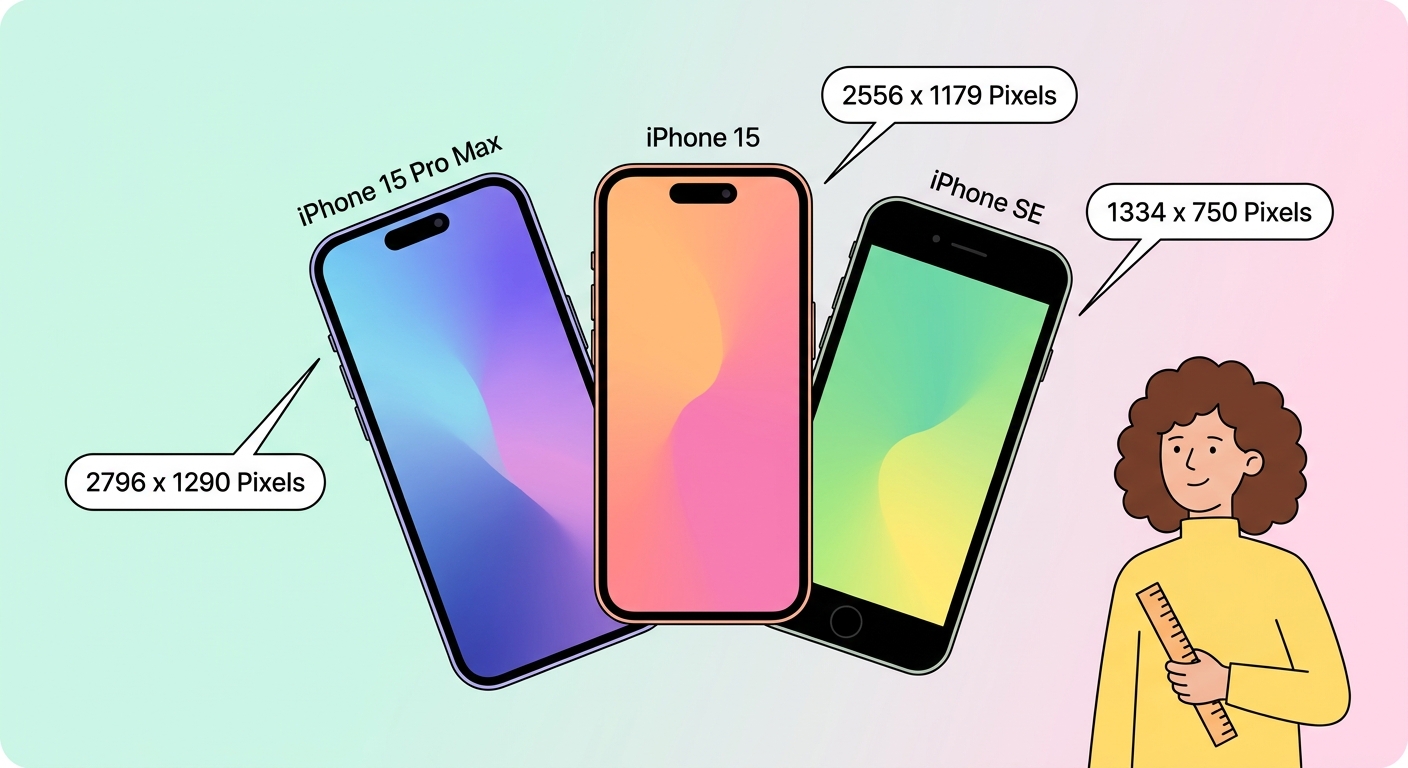
| iPhone 16 Pro Max / 15 Pro Max | 1290 × 2796 | 9:19.5 |
| iPhone 16 Pro / 15 Pro | 1179 × 2556 | 9:19.5 |
| iPhone 16 / 15 / 14 / 13 | 1170 × 2532 | 9:19.5 |
| iPhone 14 Plus / 15 Plus | 1284 × 2778 | 9:19.5 |
| iPhone 12 mini / 13 mini | 1080 × 2340 | 9:19.5 |
| iPhone SE (3rd gen) | 750 × 1334 | 9:16 |
Safe zones
Apple reserves the top 200 pixels for the clock + Dynamic Island, and the bottom 100 pixels for the swipe-up indicator. Don't put your subject's face in either area. Use our image cropper to centre your subject mid-frame.
Parallax — what to do
iPhones zoom wallpapers slightly (about 4%) to create the parallax tilt effect. If you want every pixel of your image visible, either:
- Disable parallax in Settings → Accessibility → Motion → Reduce Motion, OR
- Pre-pad your image by 4% on each edge using our resizer — set the canvas larger than the screen and pad the edges with the dominant background color.
Lock screen vs home screen
Since iOS 16, lock and home screens accept different wallpapers and the lock-screen UI overlays large widgets. For the home screen, busy patterns are fine. For the lock screen, lower-contrast images keep the clock readable.
Browse iPhone wallpapers
Our iPhone wallpaper collection is organised by model and aesthetic. Every wallpaper is available in HD, 4K, 5K and 8K (Premium) — pick the resolution that matches your device.
Live wallpapers
Live wallpapers are short MP4 clips, max 5 seconds, 720×1280 minimum. Convert any video clip with our live wallpaper converter.
Try our free tools
Most of these guides pair with a hands-on tool you can use right now — no sign-up required for the first run:
- Image resizer — pixel-perfect downscale + upscale.
- Convert to WebP — 30-50% smaller files than JPG.
- Background remover — one-click cutout, transparent PNG.
- Favicon generator — every browser size from one source.
- Social-media resizer — every platform's exact dimensions.
- Bulk processing — apply any tool to up to 200 images at once.
Browse the full tool catalog.