
How to Create a Cohesive Wallpaper Aesthetic
Match your phone, laptop, and tablet wallpapers so your devices feel like one ecosystem.
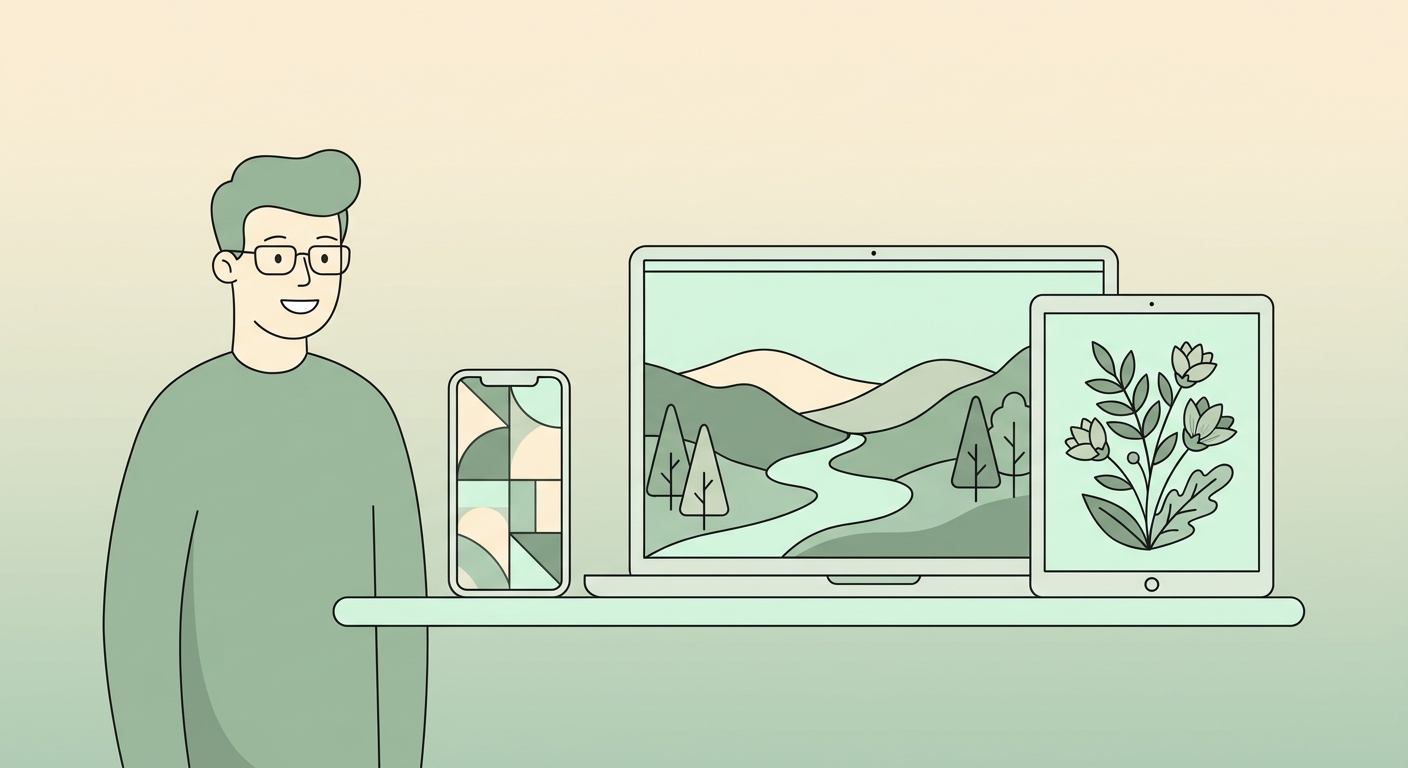
Three wallpapers chosen at random feel chaotic. Three wallpapers chosen with intent feel like a brand. Here's the framework most professional designers use.
Step 1: pick a single mood word
"Calm." "Bold." "Cosy." "Tech." That word filters every wallpaper choice from here. Need help? Browse by feeling: aesthetic, cool, cute.
Step 2: lock the dominant color
One color shows up in all three wallpapers. Could be sage, burgundy, navy, terracotta. Use our color tools to test palette options.
Step 3: choose three subjects, not three identical scenes
Same subject everywhere is boring. Vary subject (landscape / abstract / object) but keep mood + color consistent.
Step 4: scale matters
A busy phone wallpaper paired with a busy laptop wallpaper is overload. Pair busy ↔ minimal. The eye needs rest somewhere.
Step 5: test in dark mode
If you switch UI themes day/night, your wallpaper needs to look great in both. Use the grayscale tool to preview the value structure.
Curated aesthetic collections
Skip the work — browse pre-curated sets:
Try our free tools
Most of these guides pair with a hands-on tool you can use right now — no sign-up required for the first run:
- Image resizer — pixel-perfect downscale + upscale.
- Convert to WebP — 30-50% smaller files than JPG.
- Background remover — one-click cutout, transparent PNG.
- Favicon generator — every browser size from one source.
- Social-media resizer — every platform's exact dimensions.
- Bulk processing — apply any tool to up to 200 images at once.
Browse the full tool catalog.






